October 7th, 2025

Simpler, Faster, More Reliable, and Collaborative
We’ve rebuilt the Papeez exam editor from the ground up to help you save time — whether you’re creating a quick 5-question quiz or a large exam with hundreds of questions.
And whether you’re working alone or as a team.

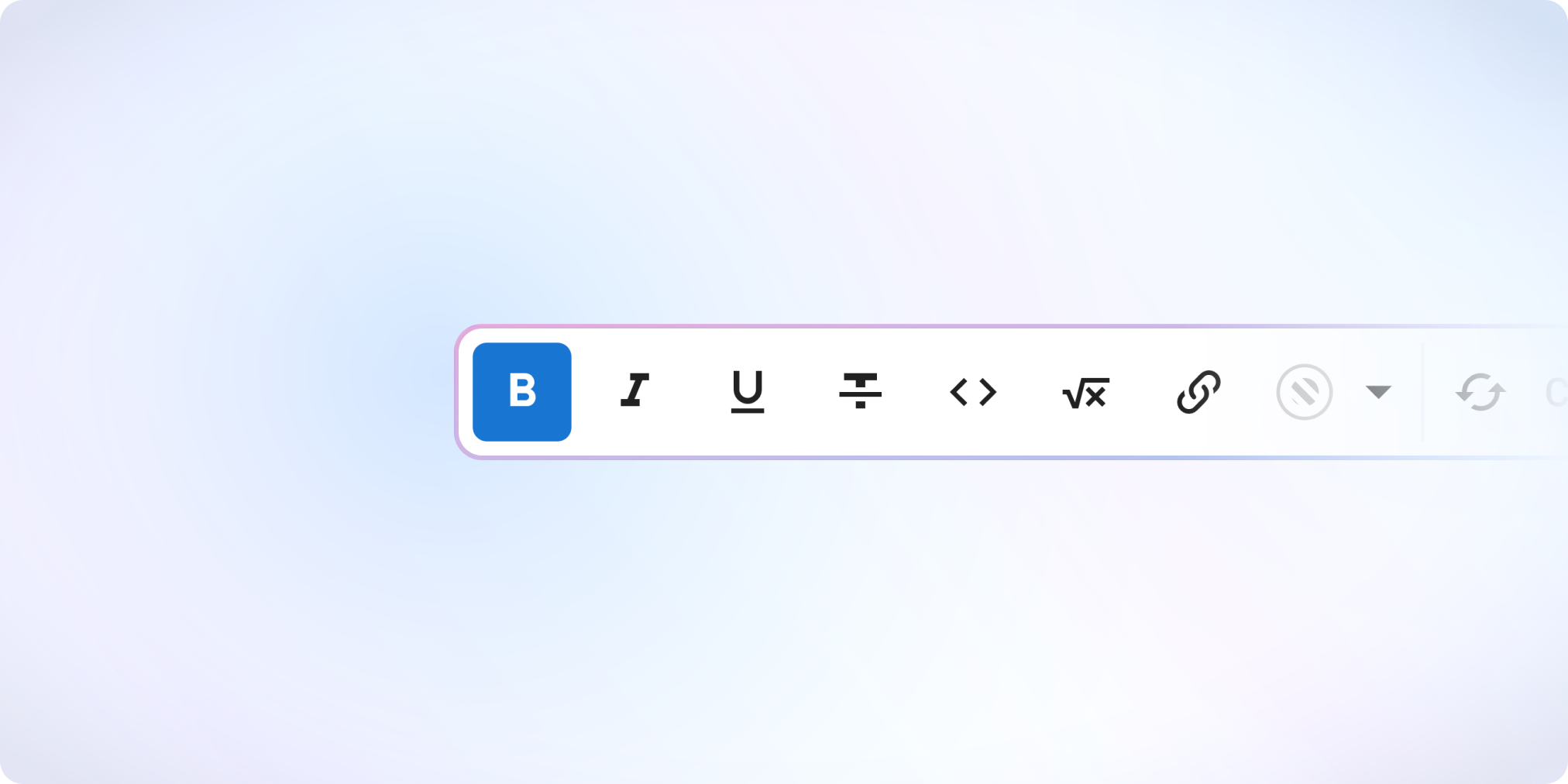
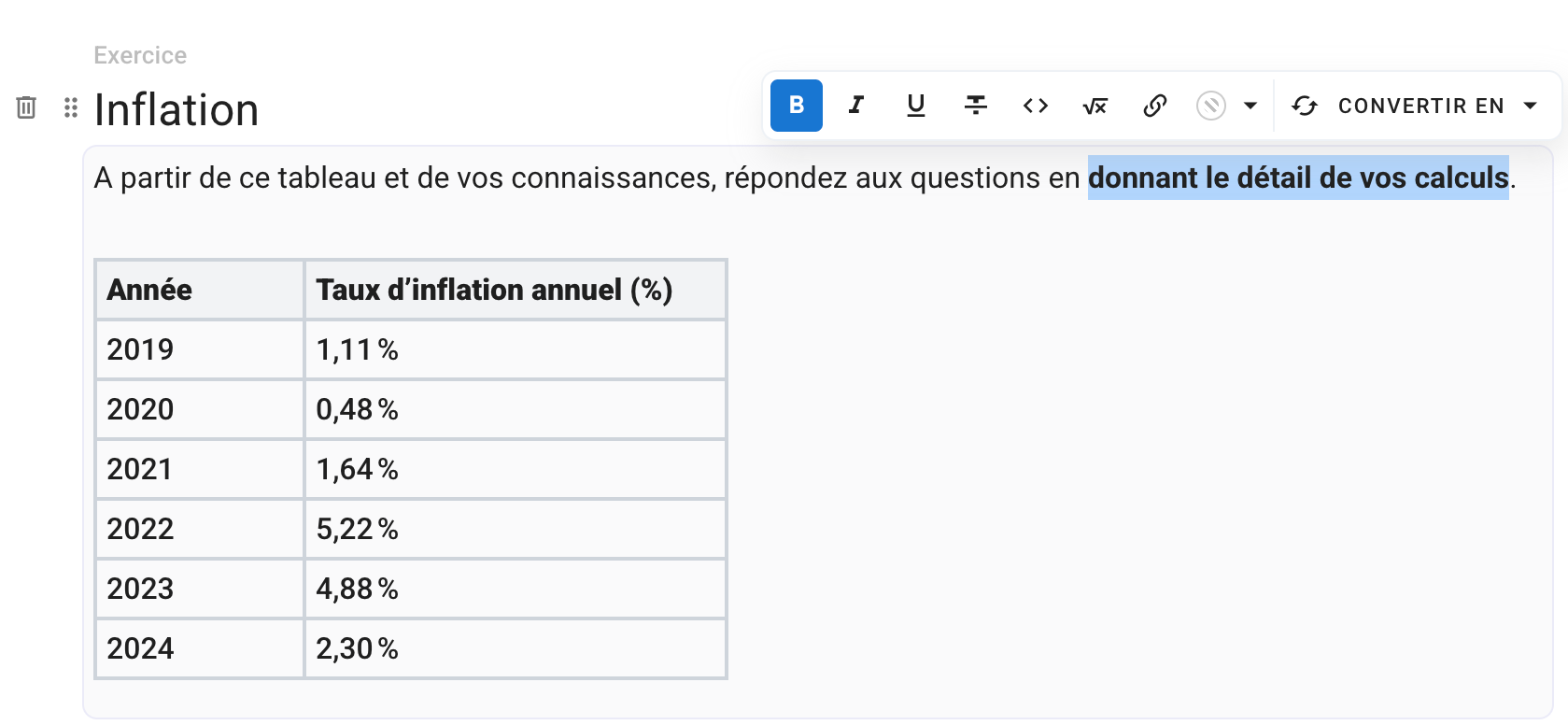
The editor now displays the formatting exactly as it will appear to participants: bold text, colors, headings, math formulas, code blocks — everything is live.
No more hard-coded Markdown or HTML.

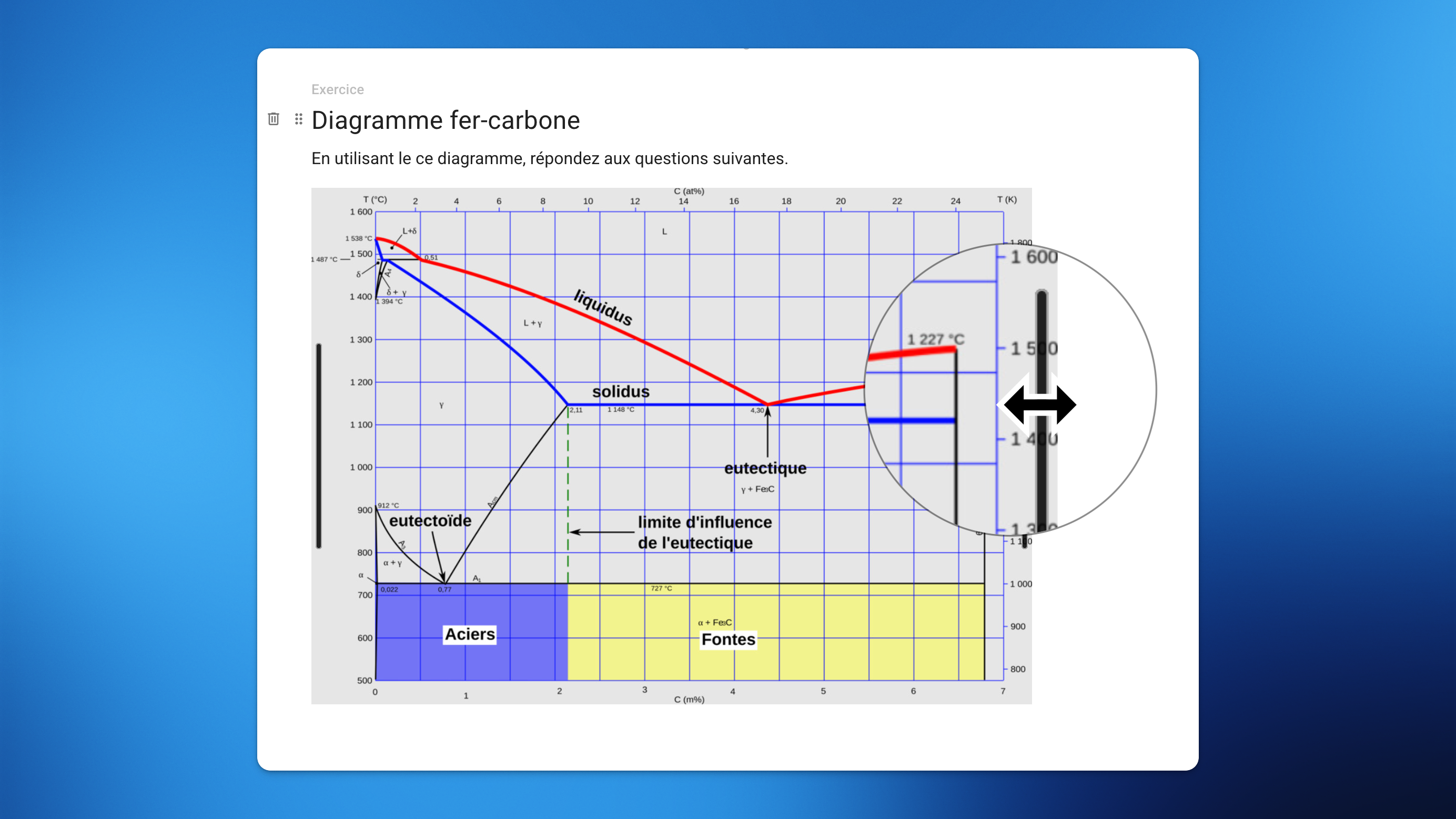
You can now resize images directly in your exam subject — easily and without any code.

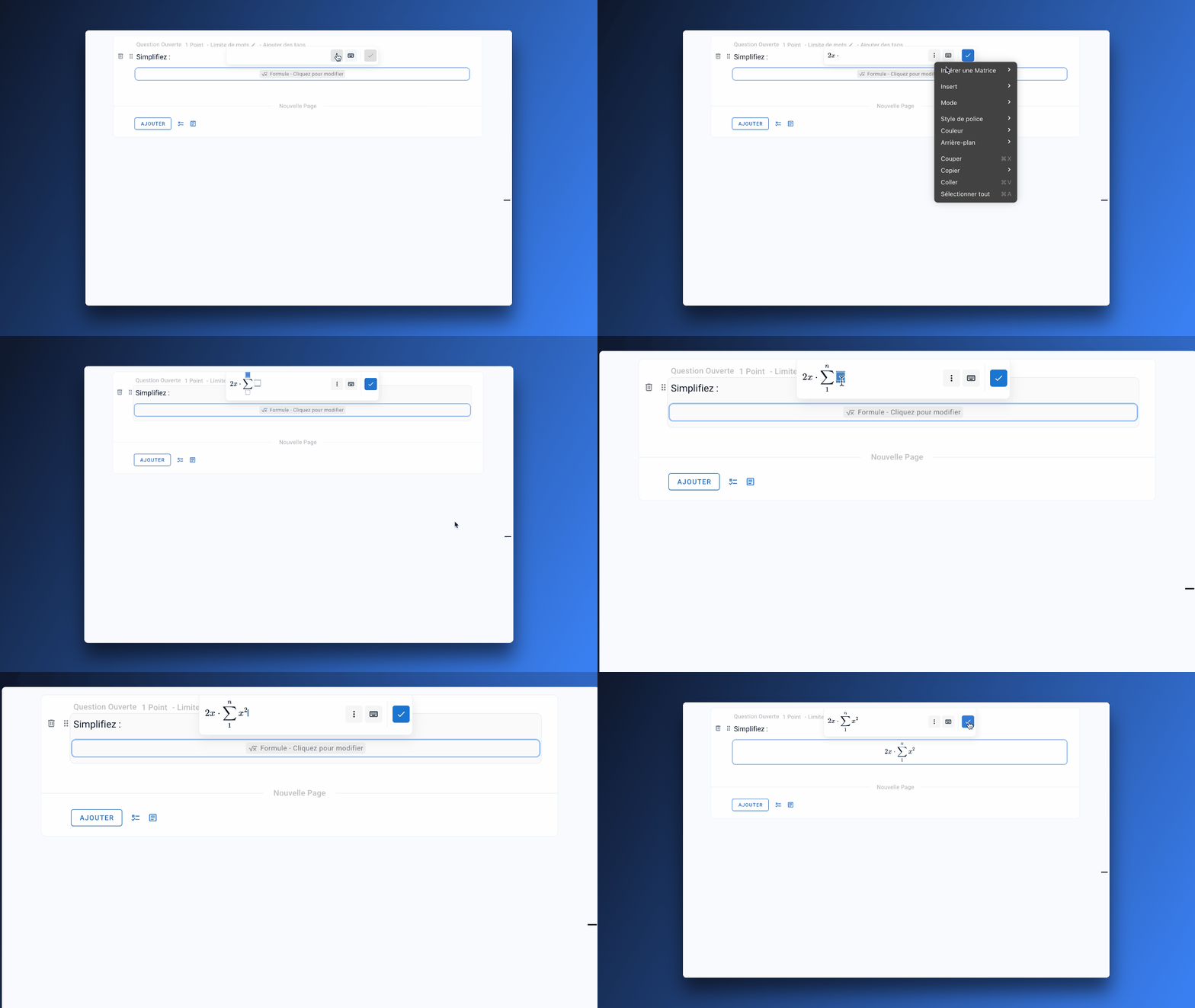
You can now write math formulas effortlessly thanks to the new visual formula editor.
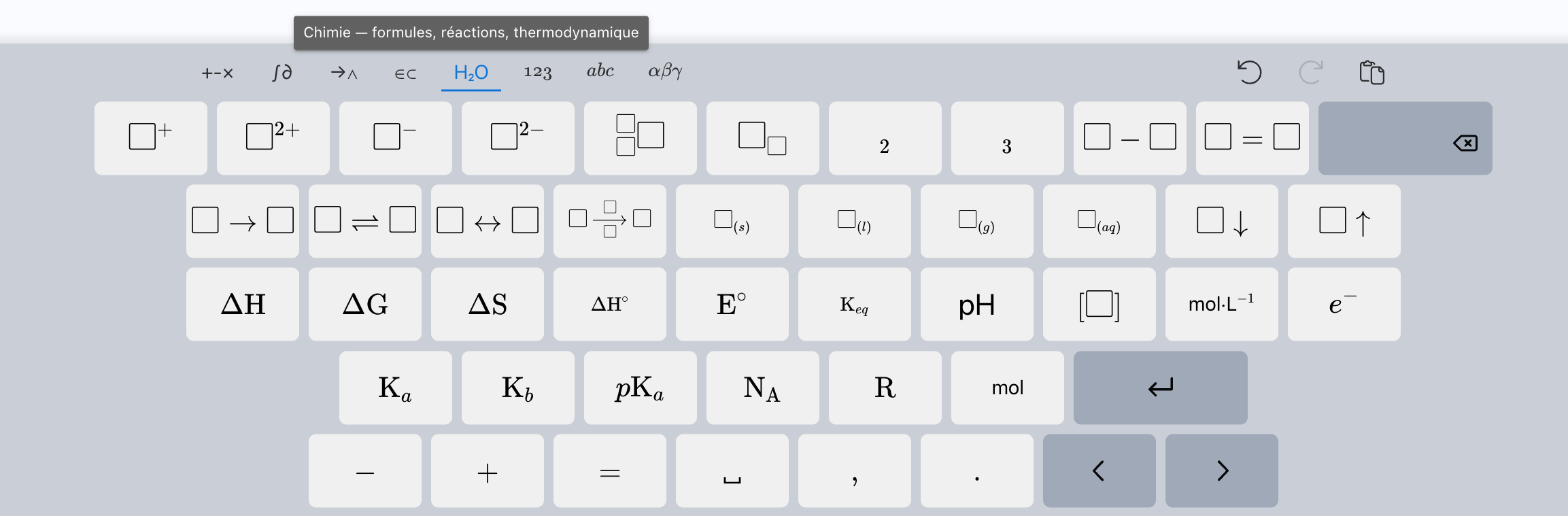
A math keyboard is also available to insert symbols (fractions, powers, roots, integrals, etc.) without needing to know LaTeX.
Typing in LaTeX is of course still possible — and even more enjoyable now with auto-completion.

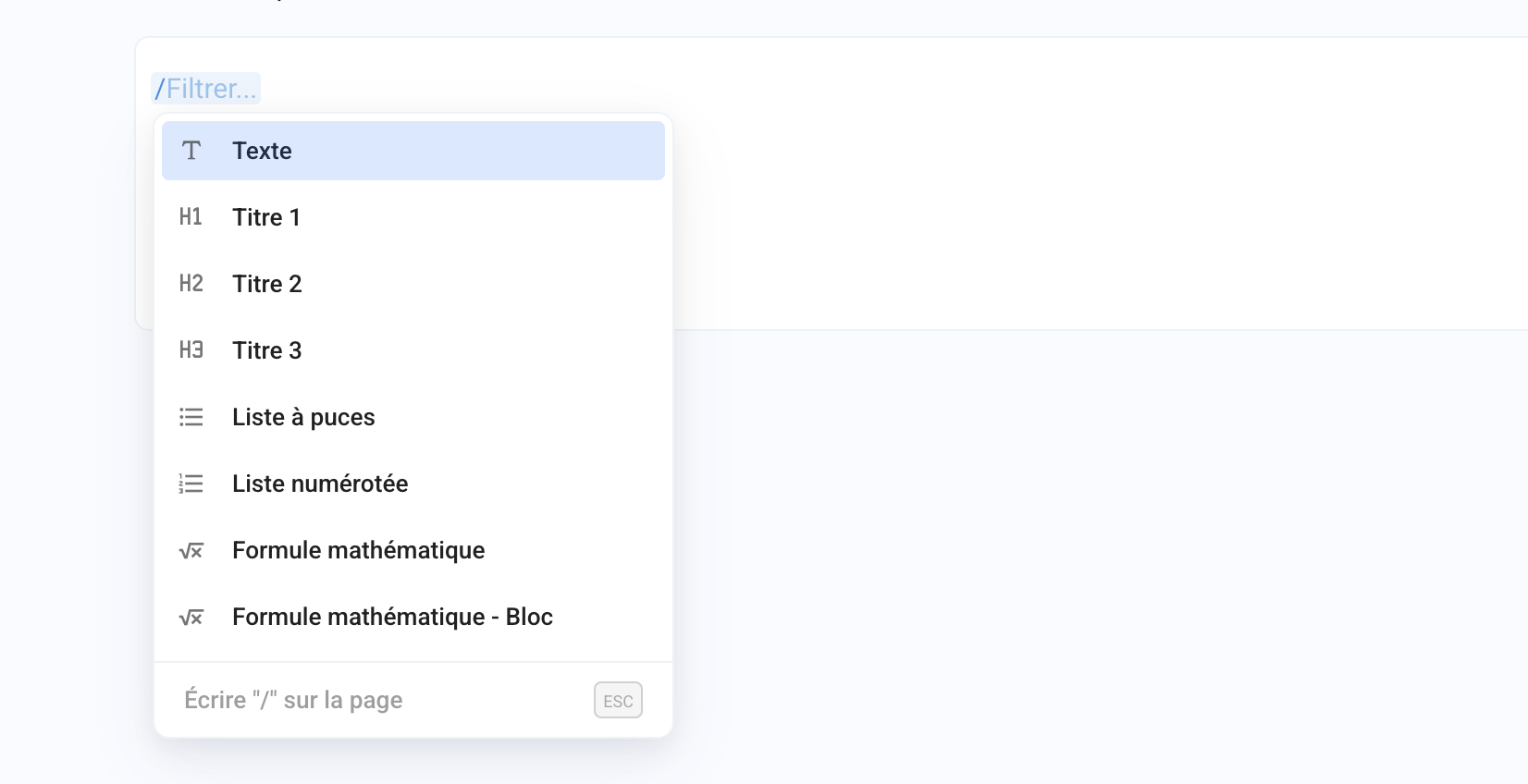
Type / to open a quick insert menu, allowing you to easily add elements such as images, math formulas, tables, or code blocks to your subject.

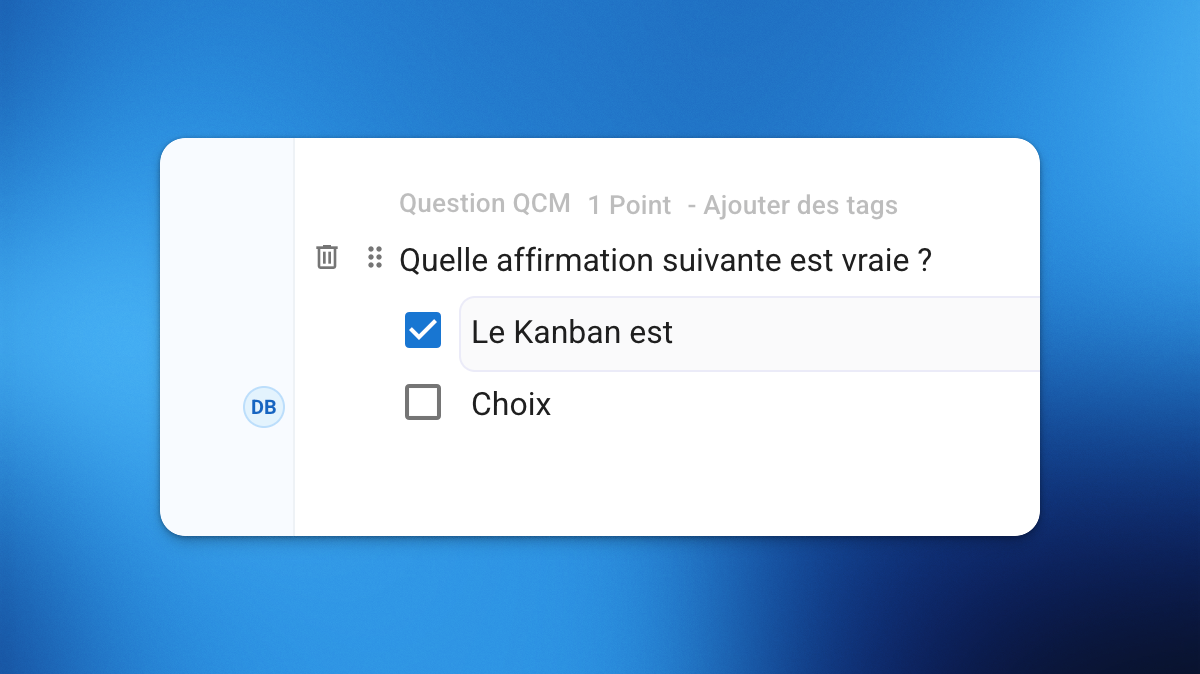
You can now work simultaneously on the same subject with your teammates.
You’ll see an indicator when another person is editing, and their changes are instantly saved and synchronized for everyone in real time.
Working on subjects is now significantly smoother:
Faster loading and navigation, even with hundred of questions
More responsive editing on subjects with 100+ questions
Instant saves
Up to 50× faster subject duplication

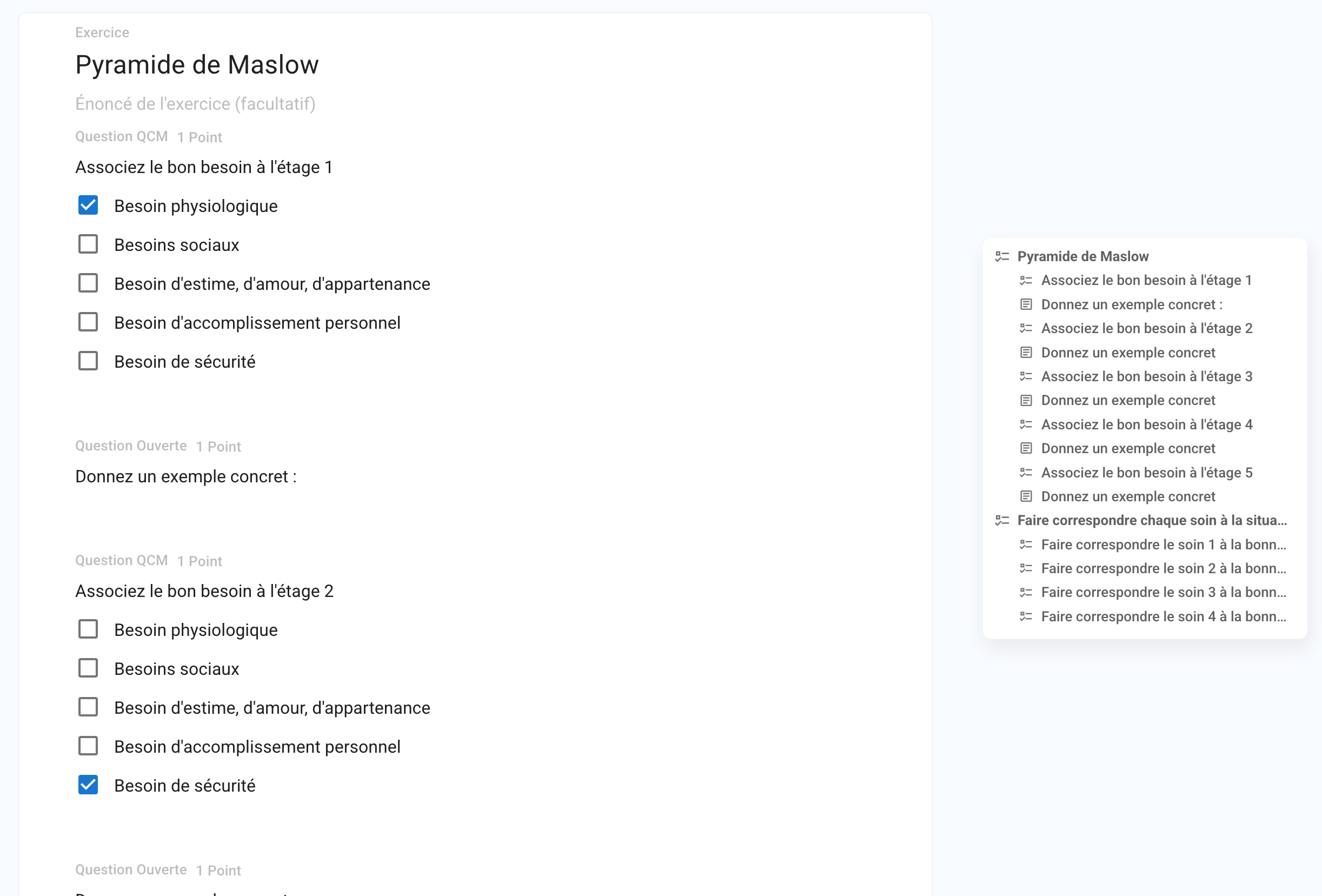
Quickly browse through your sections, exercises, and questions with the new Table of Contents.
It also highlights elements containing errors for easier access.
The editor interface has been redesigned for focus and efficiency:
New shortcuts to create questions faster
Ability to duplicate any element (section, exercise, question, choice)
Easier drag-and-drop and reordering via option menus
Convert a question into an exercise (and vice versa)
Last modified dates now visible on every element
Improved error detection and handling
A smoother, safer, and faster experience overall
This new editor helps you save time, reduce errors, and create complex exams more confidently.
It’s available right now for all your new exam subjects. 🚀
September 1st, 2025

Papeez is now hosted exclusively in France, in datacenters powered by renewable energy.
Servers and databases hosted by Scaleway and AWS France
All providers fully GDPR-compliant and ISO/IEC 27001 certified
Redundant infrastructure across multiple providers to reduce risks during incidents
Stronger protection against DDoS attacks
Servers powered by over 75% renewable energy
Less data transit (ok, not enough to save the planet… but every little bit counts 🙃)
Designed to meet sovereign hosting requirements
Compatible with public procurement security and compliance policies
A solution built for demanding institutions, public sector clients, and responsible organizations.
You can now rename an exam directly from the exam interface by clicking on its title
Exam names are now limited to 80 characters
November 4th, 2024
Improved

Do you manage exams with several thousand copies? We have thought of you, and the Papeez interface is now up to 10 times faster for displaying copies.
Whether it’s to check a copy or to manually validate its assignment to a student, everything now loads in less than half a second.
Scanned copies imported as duplicates are now identified as "duplicate" and are no longer automatically assigned to a student, making it easier to archive them.
To quickly identify a scanned page, you can now preview it from the list by pressing Space while hovering over the corresponding line.
You can now archive scanned pages, such as those that were poorly scanned or those that were imported as duplicates.
You can archive pages one by one or by selecting multiple from the list of scans.
Added a button to access the scanned copy from the correction page
Preview of Copies with Errors
Manually assigning a copy to a student who already has one will automatically unassign the old copy from that student.
Fixed a display bug of images in subjects that allowed, under certain conditions, page breaks in the middle of an image.
Corrected the display of the preview of instructions in the exam settings.
October 30th, 2024
New

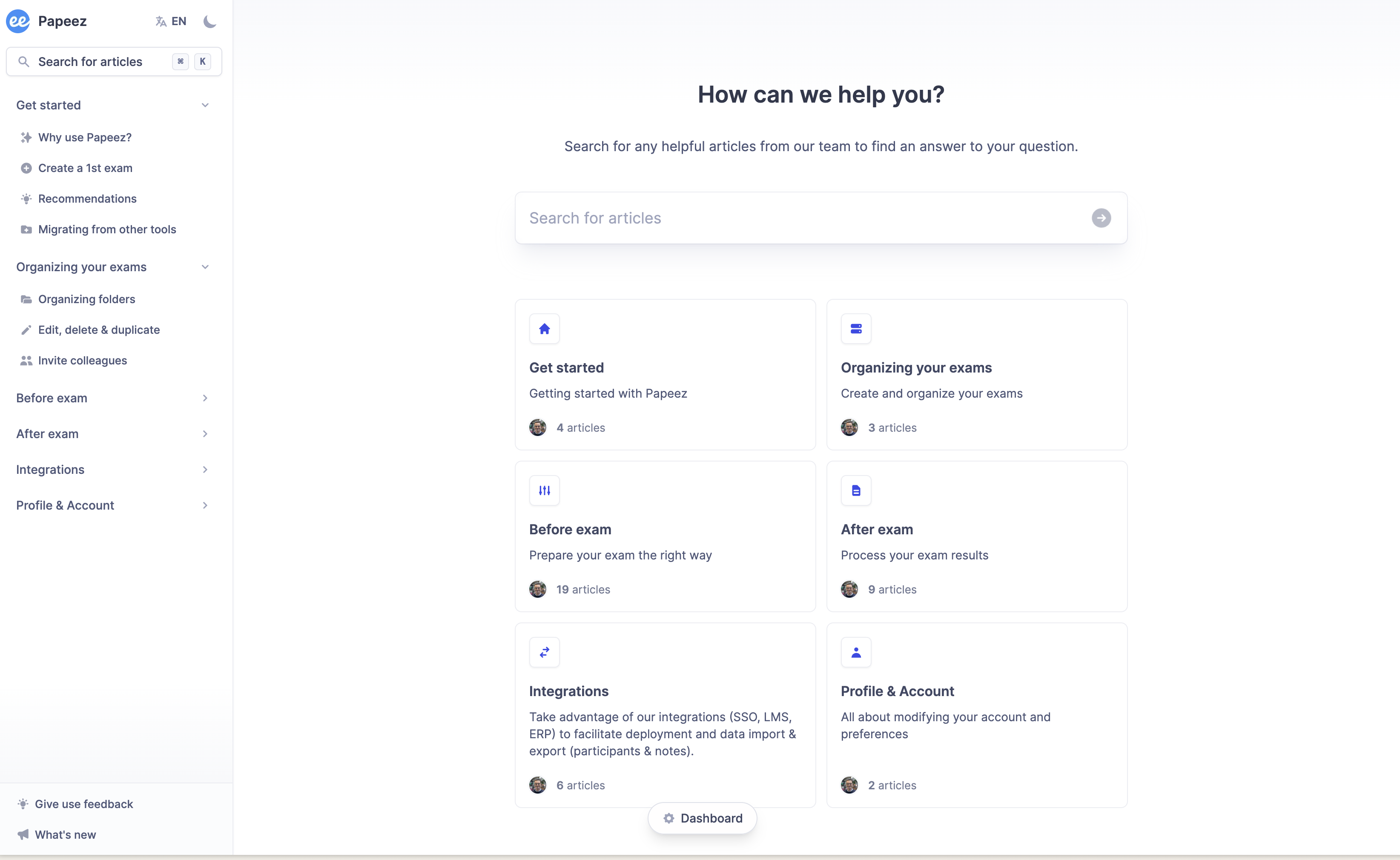
We've redesigned our Help Center from scratch, and the way we collect your feedbacks to simplify tracking and sharing them with the community. 🎉

Introducing our new Help Center, designed to be more intuitive. Better organized, multi-lingual and accessible from the app, you'll quickly find all the answers to your frequently asked questions.
If an article seems incomplete to you, leave us your feedback directly on the page to help use enrich it on an ongoing basis.
→ Access the Help Center here.

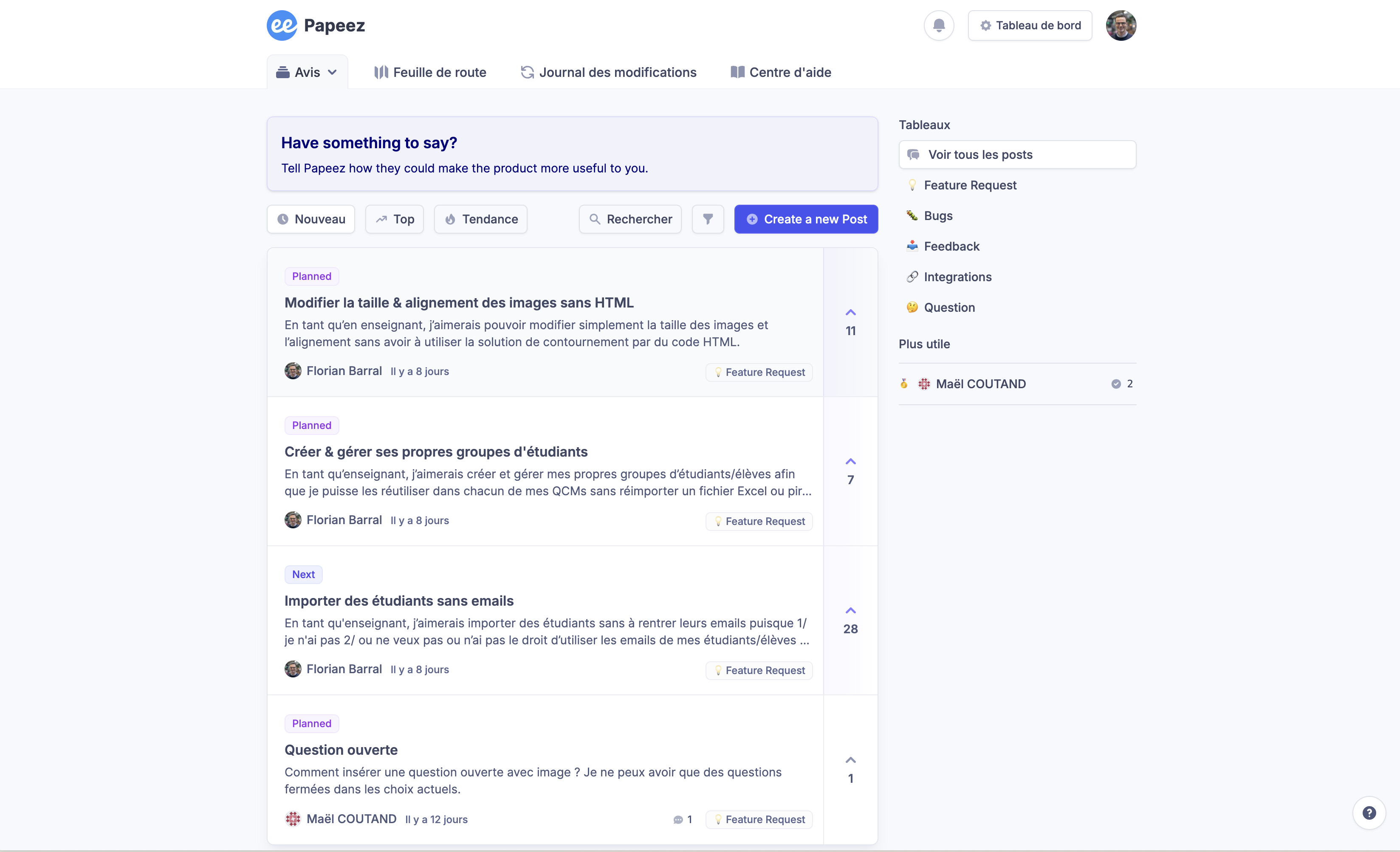
We've made it easy to collect your suggestions! In just a few clicks, share your ideas and vote for other users' proposals. You'll receive a notification as soon as your suggestions go into development or are put online, so you can track your impact on the application in real time.
→ Access the feedback board here.
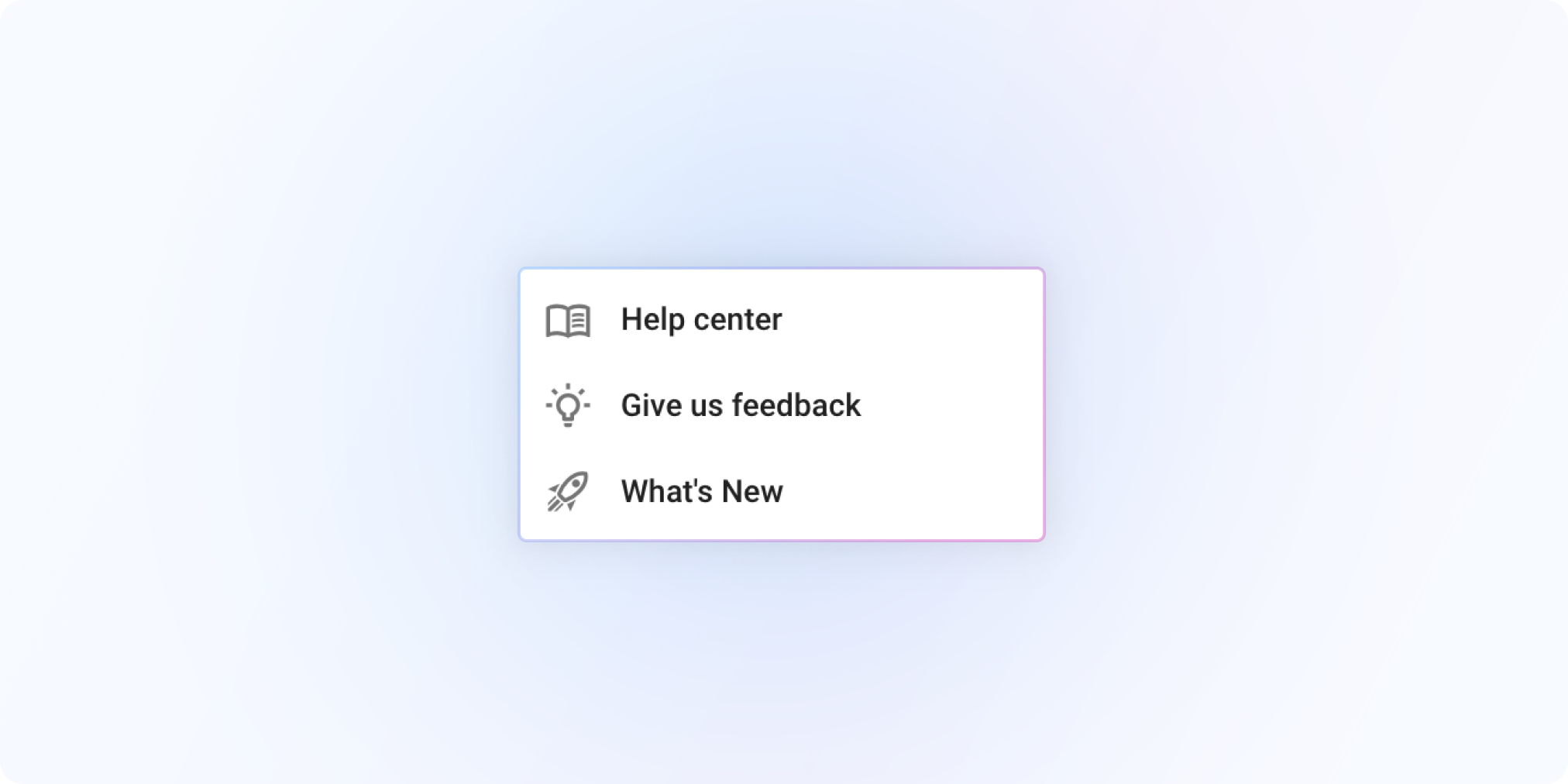
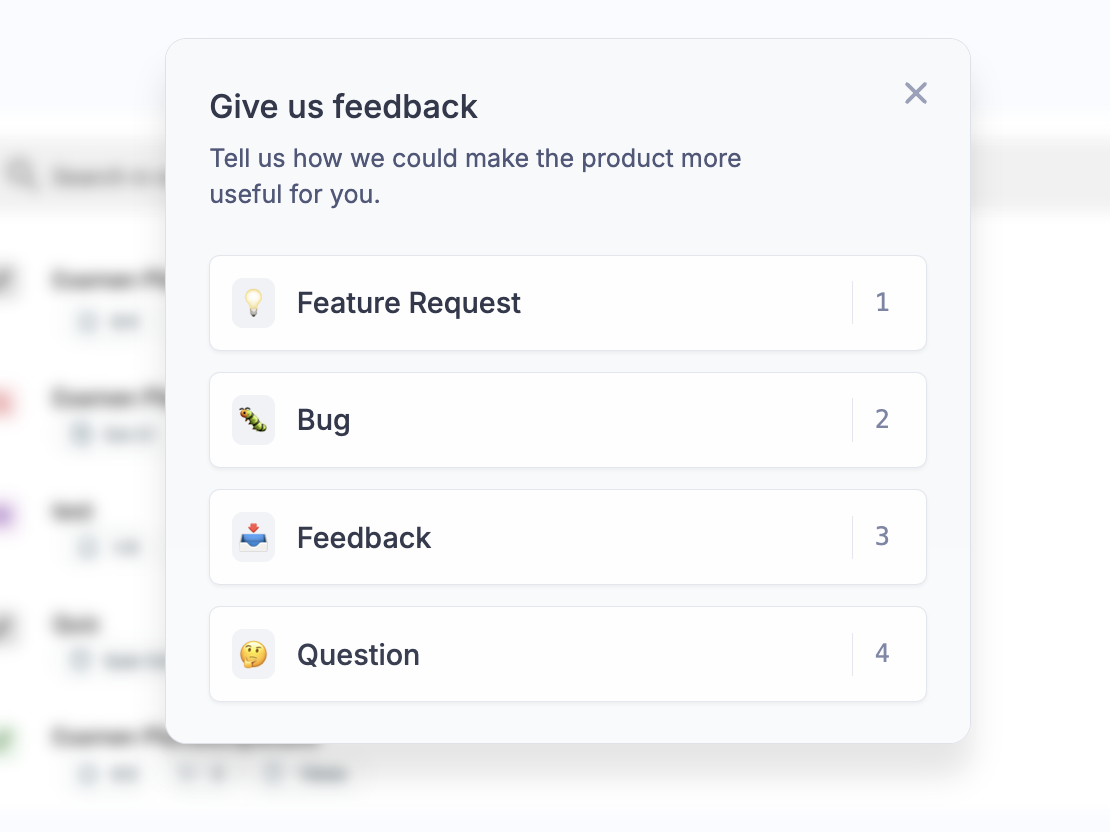
In the application, share your feedback on the fly by clicking on Give feedback :


Never miss an update again: find the latest news and improvements directly in the app, or at any time at this link.
September 10th, 2024
New

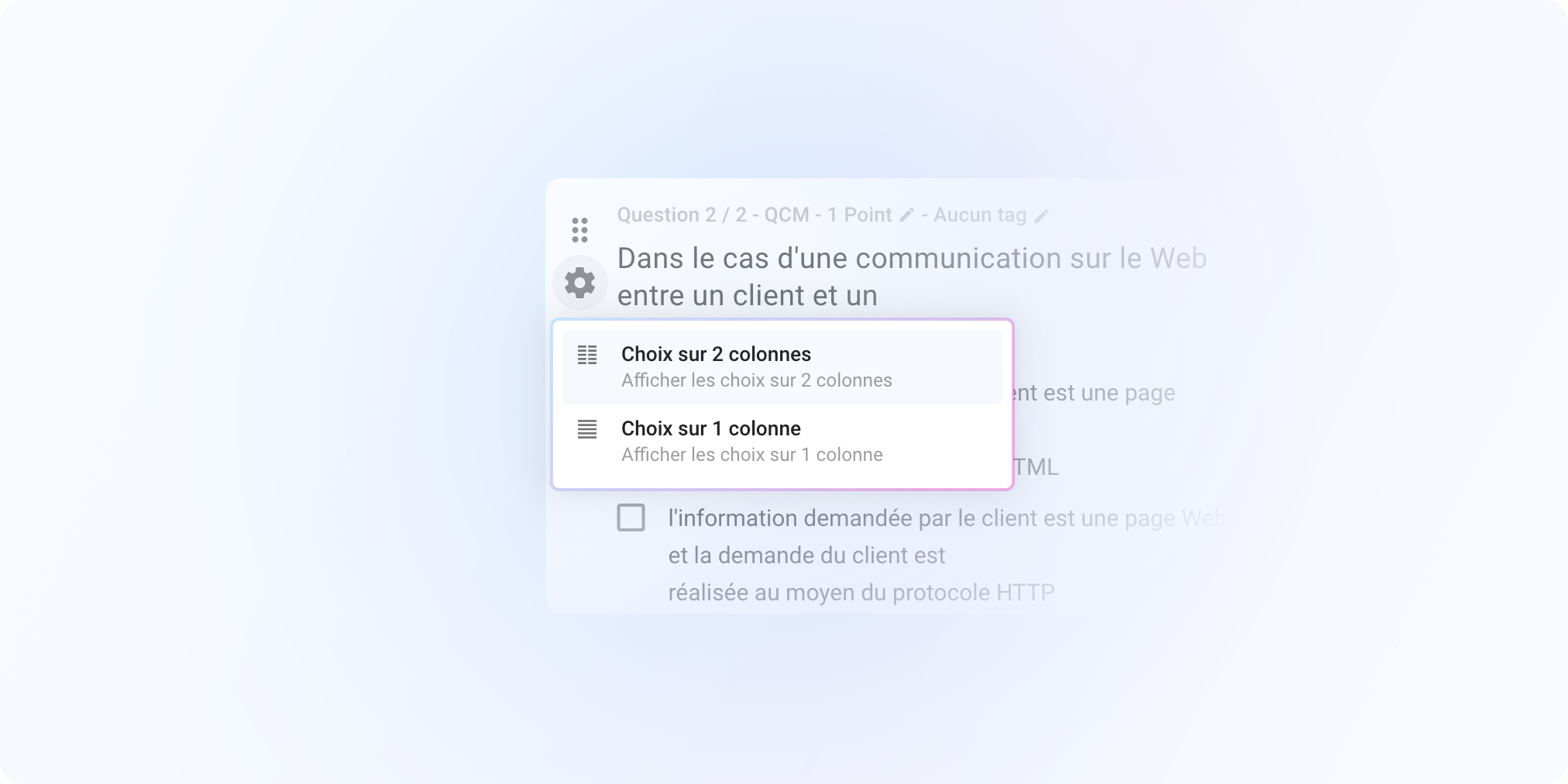
We've introduced layout options to divide questions and choices into multiple columns. You can define your layout for the whole exam or by question and exercise.
These layout options will enable you to use less paper for your subjects and improve their readability. According to our tests, up to 2 times less paper to print!
To know more: Format subject into multiple columns
August 20th, 2024
Improved

This update brings a more streamlined design, with fewer visual elements for a simpler, more user-friendly interface.
📋 Correction
Fixed a bug in the analysis of scanned copies where no checkbox is selected
Fixed a bug that displayed scanned copies of the previous exam for a few moments when opening two exams one after the other.
📊 Statistics
Fixed a bug that displayed duplicate question tags for certain exams on the student interface side.
July 30th, 2024
New

It's certainly one of the features we've been asking for most, and here it is at last!
After opening an exam, you can now modify :
number of points for questions
whether a choice in a MCQ question is correct or not
tags assigned to a question
If students have already taken the exam, their grades will be recalculated to take your changes into account.
Please note that this is not retroactive; it will only work on your new exams.